Library · 3 min read
Peters Township Library beyond storytime
Get a card, find books and audio, and use the library between scheduled events. A practical starting guide for families.
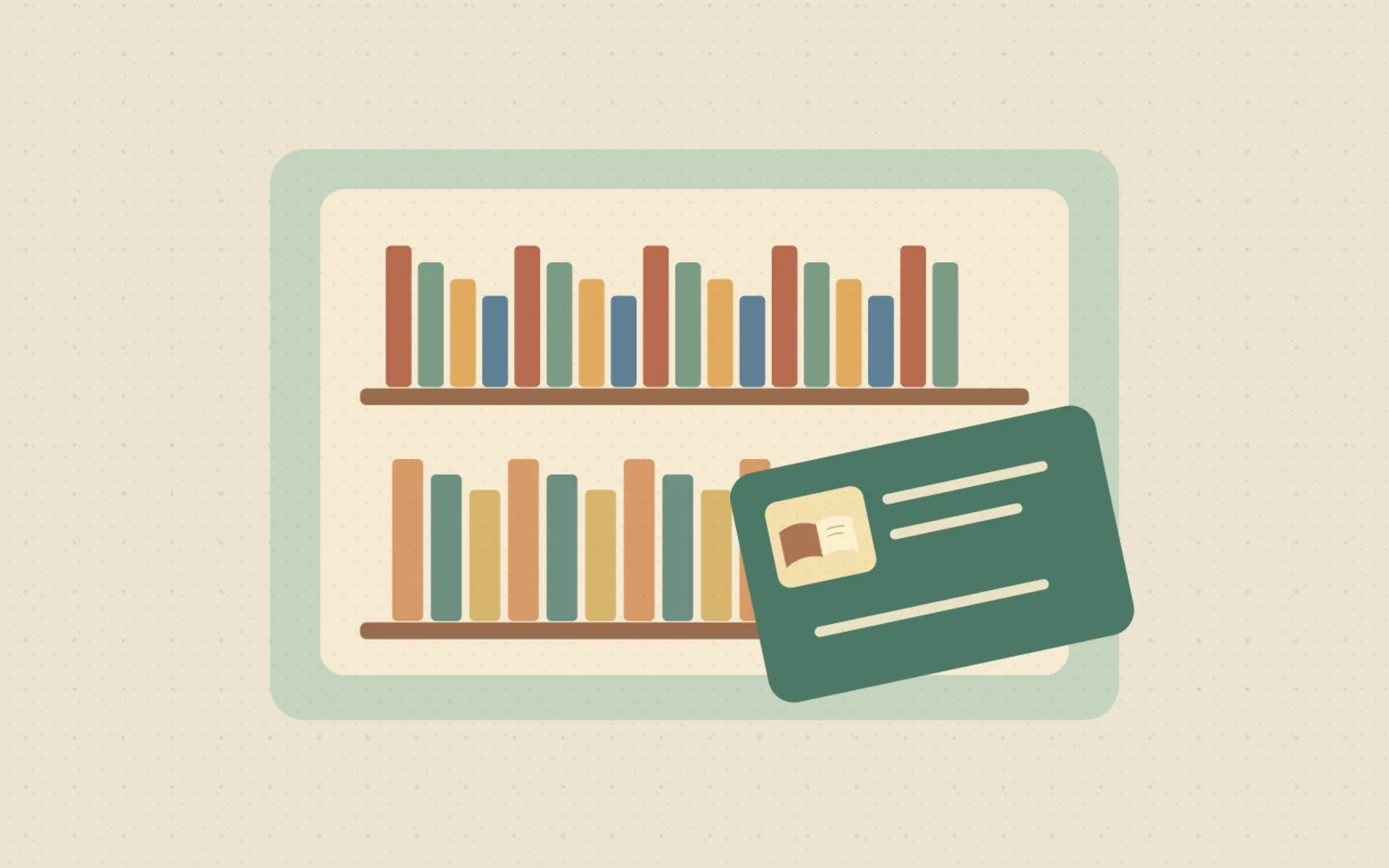
A library visit does not need to revolve around an event. A small stack of books, an audiobook for the car or help finding the next series can make the library useful throughout the week.
Start with one thing your family would actually use. There is no need to learn every service on the first visit.
At a glance
- Location
- 616 E. McMurray Road, McMurray
- Start here
- Library Cards & Borrowing on the official site
- Remote option
- Check Libby and Hoopla eligibility before setting up an account
What would help this week?
Something to read
Search the catalog before you visit.
Something to listen to
Browse digital audiobooks, then test playback at home.
Something different
Ask about Tonies, games or creative technology and their loan rules.
Get the card step out of the way
Pennsylvania residents can obtain a free card. Apply at the circulation desk or start online; online applicants must collect the physical card within 30 days. Bring photo ID and proof of address. A parent must sign applications for children through age 12.
Already have a public-library card from Washington, Greene or Fayette County? The library says you can use it at Peters Township. Confirm account access with staff before creating a duplicate account.
Borrow more than a stack of picture books
The library lists books, audiobooks, video games, Tonie characters and boxes, and creative technology among its loan collections. WAGGIN connects borrowers with materials across its member libraries.
Use the catalog to check the item you want and ask staff about requesting it if it is not available locally. Special items may have different borrowing rules, so verify the loan period and return requirements before building a weekend around them.
- Let each child choose one item, then add one shared family read.
- Search for a favorite topic as well as a favorite title.
- Do not assume an item is waiting for you until the library confirms it.
Try one digital service
The library’s digital-media page links to Libby/OverDrive for eBooks and audiobooks and to Hoopla for books, audio and other media. It specifies Peters Township cardholder eligibility for Hoopla. Start from that official page so you select the correct service and library.
Our suggestion: set up one app, choose one title and test it before a car trip or bedtime. Check the title’s lending terms, availability and any current borrowing limits in the service rather than assuming every title is immediately available.
Fine-free does not mean keep-it-forever
The library says WAGGIN libraries do not charge overdue fines, but lost, damaged or unreturned items can incur replacement charges. Automatic renewals have exceptions, including another borrower’s hold. Check your account for the actual due date.
A simple family routine helps: keep borrowed items in one tote and check the account before your next outing.
One extra service to explore later
The library also lists public computers, printing, meeting and study rooms, a Makerspace and a Memory Lab. These are different services, not a promise of unrestricted drop-in access. Ask about bookings, training, supervision and fees for the specific activity you want.
Source check: November 19, 2026. Check the library’s current hours and service details before traveling, especially around holidays.
Show our work
Sources & practical checks
Source information checked November 19, 2026. Hours, availability, eligibility and registration can change. Confirm details with the organizer before leaving home.
- Peters Township Public Library: cards and borrowing policies
- Peters Township Public Library: collections and services
- Peters Township Public Library: digital media
- Peters Township Public Library: current home page and service links
Illustrations support the guide; they are not a substitute for official maps or current venue information.